Where does my sign-up stand?
Enter the reference from your confirmation email. It shows the stage only, never your details.
On iPhone or iPad: tap Share in Safari, then Add to Home Screen.
Check a sign-up
Your reference looks like CAB-ADS-2026-00101.
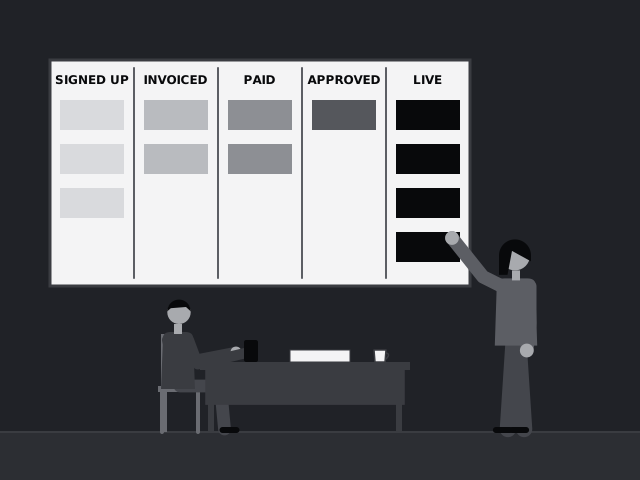
Signed upYour code was confirmed and the sign-up is in. It carries the Genuine booking mark.
InvoicedYour invoice has been sent by email.
PaidPayment is in. We have asked for your artwork.
ApprovedPayment and artwork are cleared by the Cabanga team. It adds the Verified by Cabanga AdServe mark.
LiveYour banner is running on the editions you chose.